
0. Intro
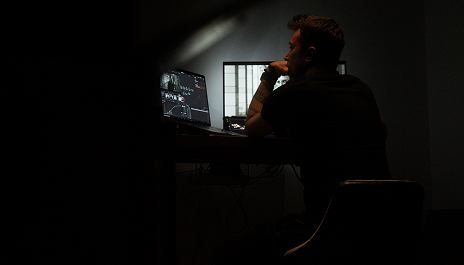
We'll break down what color grading is and why it plays such an important role in modern video production. You'll understand the full grading workflow and where color grading fits inside the post-production pipeline.

Practical cinematic color grading masterclass in DaVinci Resolve

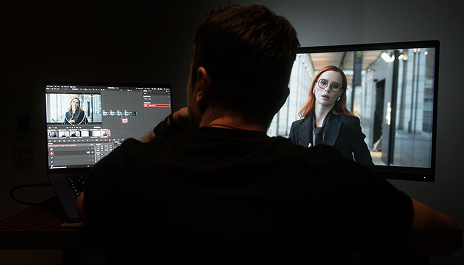
In this masterclass, you'll break down the professional grading process step by step — from shot analysis and base correction to creating an atmospheric cinematic image.
Get the masterclassIn this masterclass, you'll break down the complete color grading workflow in DaVinci Resolve — from shot analysis to the final cinematic result. We'll work with real LOG footage and go through every stage of the grading process step by step, so you understand not only the tools, but the logic behind professional color work
We'll break down what color grading is and why it plays such an important role in modern video production. You'll understand the full grading workflow and where color grading fits inside the post-production pipeline.
We'll briefly explore the DaVinci Resolve interface and its main sections. You'll understand how the software is structured and where the key editing and grading tools are located.
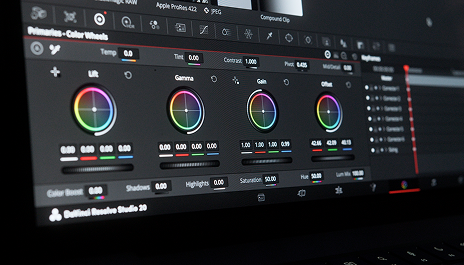
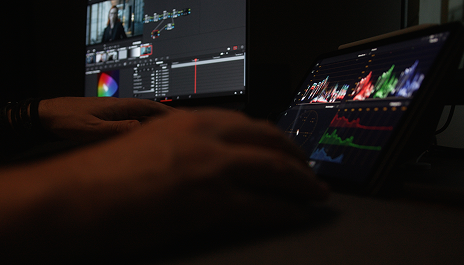
We'll break down the Color Page interface and the core grading tools inside DaVinci Resolve. You'll understand how a professional colorist workflow is structured and how to navigate the grading workspace efficiently.
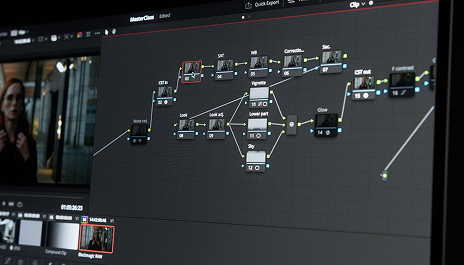
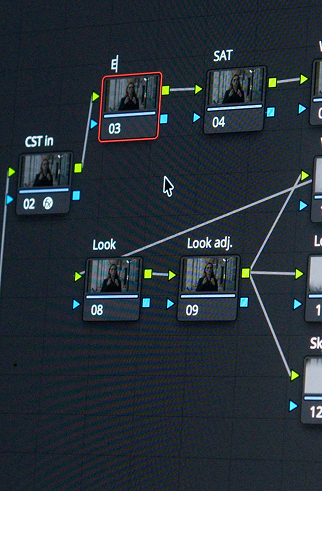
We'll break down the node system inside DaVinci Resolve. You'll understand how node structures are built, how Serial and Parallel Nodes work, and why nodes are the foundation of professional color grading.
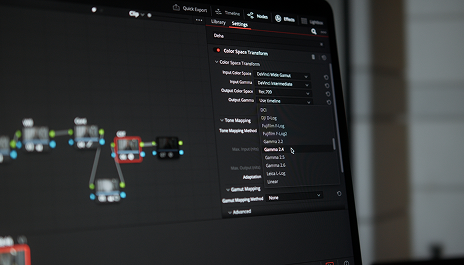
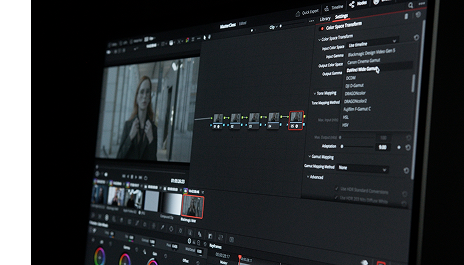
In this lesson, we'll break down how color spaces and Color Management work inside DaVinci Resolve. You'll understand how cameras, software, and displays “communicate” with each other and how to properly transform images between different color spaces.
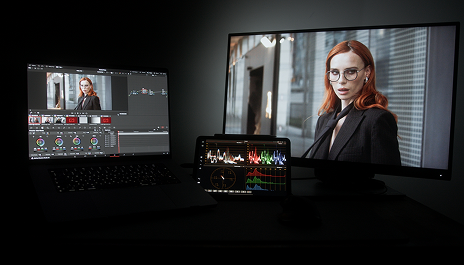
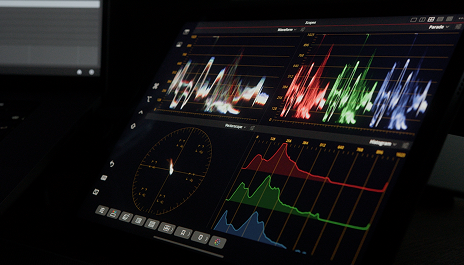
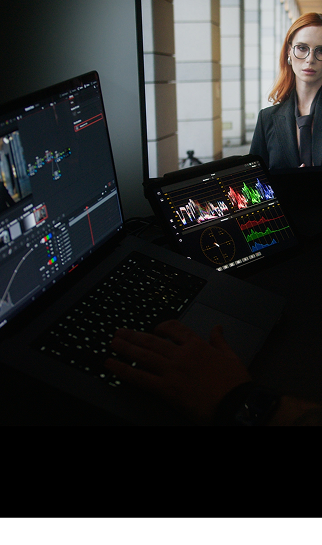
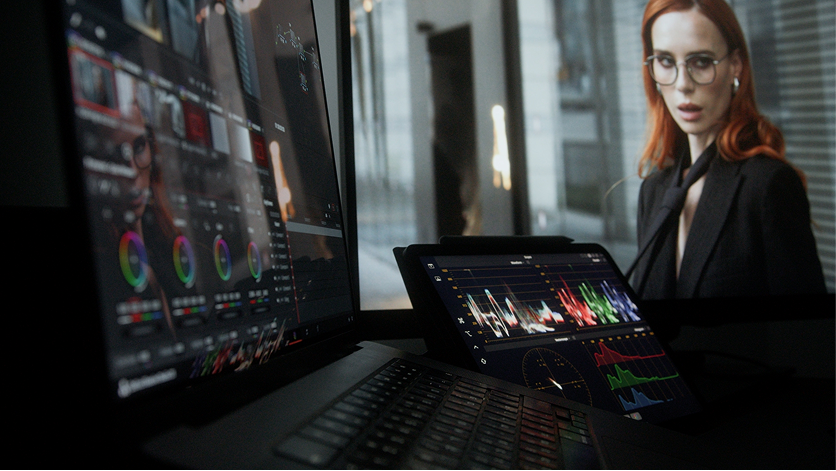
We'll explore the main image analysis tools used in professional grading. You'll learn how to use Waveform, Vectorscope, and Parade for accurate exposure and color adjustments.
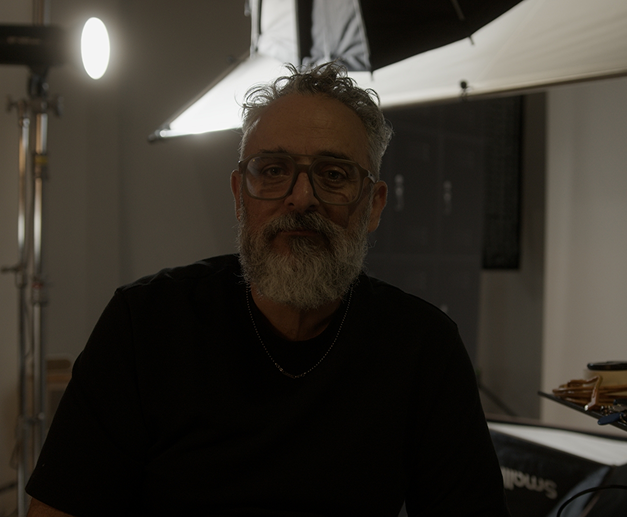
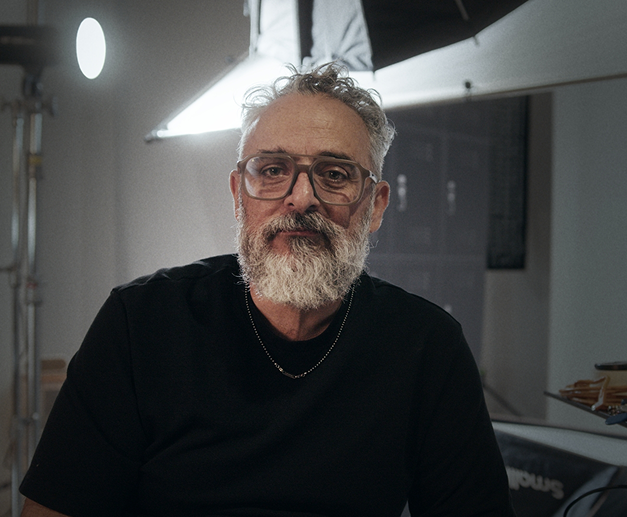
We'll set up proper exposure, white balance, and the overall image foundation. You'll learn primary correction techniques and build a clean, natural base for further grading. Additionally, I'll show you how to match shots from different cameras and achieve a consistent visual result.
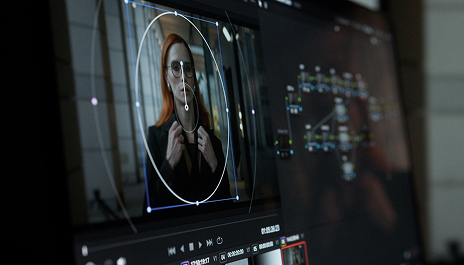
You'll learn how to precisely adjust individual parts of the image. We'll break down Power Windows, masks, and color isolation techniques for more accurate and controlled grading.
We'll create a cinematic image style and explore how cinematic color atmosphere is built. You'll learn how to give footage a more film-like and atmospheric character.
I'll show you my finished PowerGrade and explain how it is structured. You'll learn how to use a professional node structure to speed up your grading workflow.
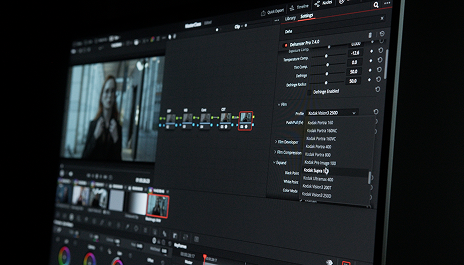
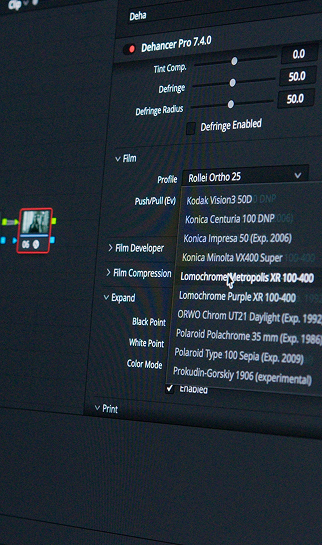
Bonus lesson. I'll show you how to add a film-emulation look using Dehancer and enhance the cinematic atmosphere of your footage.
You'll receive original Blackmagic Pocket Cinema Camera 6K G2 footage in ProRes 4:2:2 HQ format. You'll be able to repeat the full grading process yourself and reinforce everything through hands-on practice.
A ready-to-use professional grading node structure that you can use in your own projects to speed up your workflow and build cinematic color faster.
After the masterclass, you'll receive 2 weeks of free access to Dehancer Pro. You'll be able to try film emulation tools and enhance the cinematic look of your footage.
I've been working in video production for more than 6 years, spending most of that time inside DaVinci Resolve — editing and color grading commercial and creative projects.
Over the years, I've filmed and post-produced dozens of video projects, and worked as a colorist on several short films that later received awards at international film festivals.
In this masterclass, I'll show you my real-world grading workflow — from shot analysis to building atmospheric cinematic color.
You'll see step by step how ordinary footage can be transformed into a polished, expressive image with a modern cinematic look.


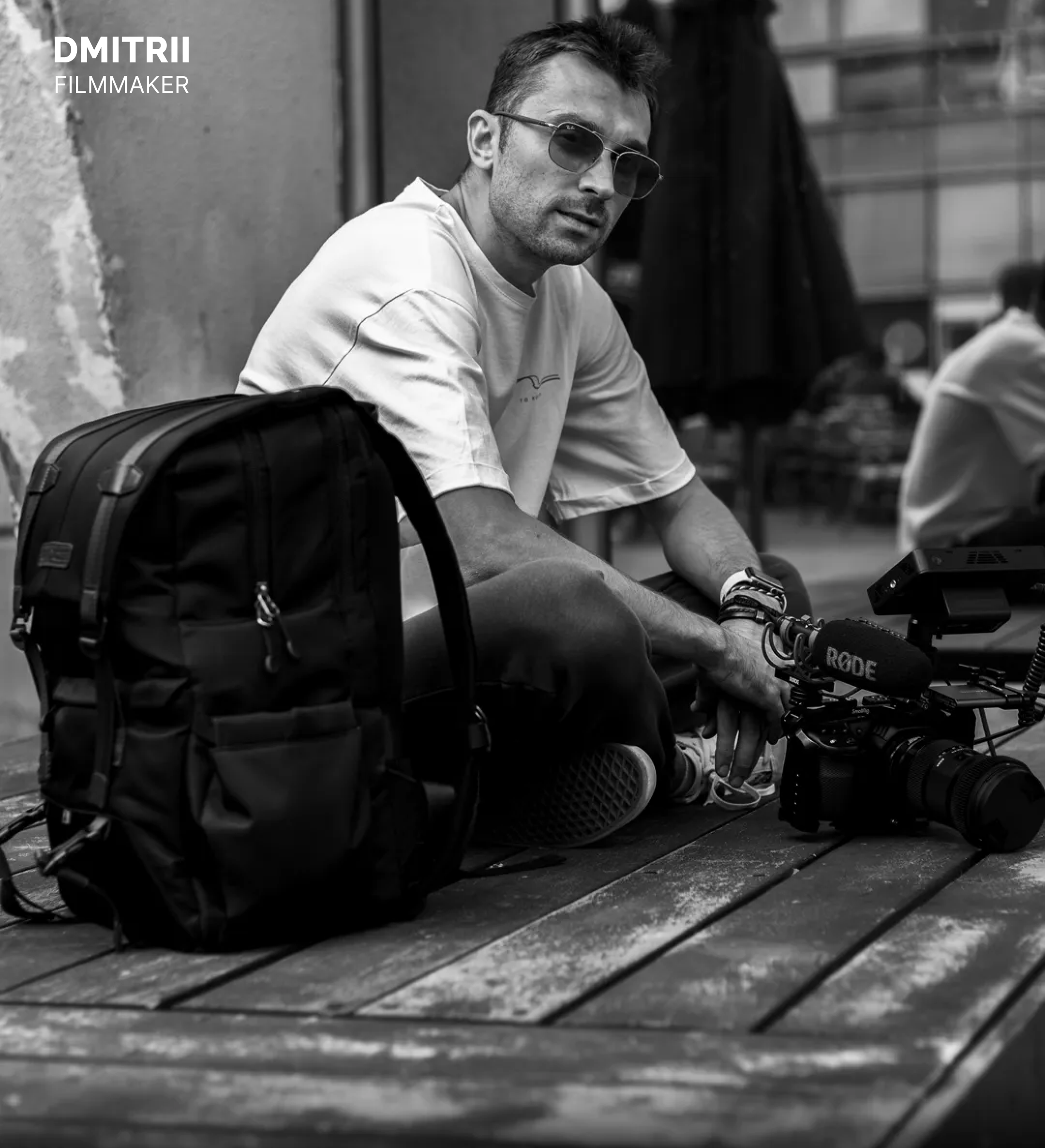
Films I worked on as a colorist and technical specialist:

Learn how to transform ordinary footage into atmospheric cinematic images inside DaVinci Resolve. Master the professional grading workflow — from base correction to building a complete film look.